Balances, together.
Combine public addresses, filter by network and find the token you’re looking for.
 Trust WalletPORTFOLIO
Quick start
Trust WalletPORTFOLIO
Quick start
A little more perspective
Your addresses may live across networks.
Your overview shouldn’t.
Bring balances, tokens and market prices together in a read-only portfolio for macOS.


Across the chains
Follow native coins and supported tokens in one place. Add each address on the networks you use.








Token coverage varies by network. NFTs, DeFi positions and locked staking are excluded.
A closer look
From your total balance to a single token.
A calm workspace for keeping track.
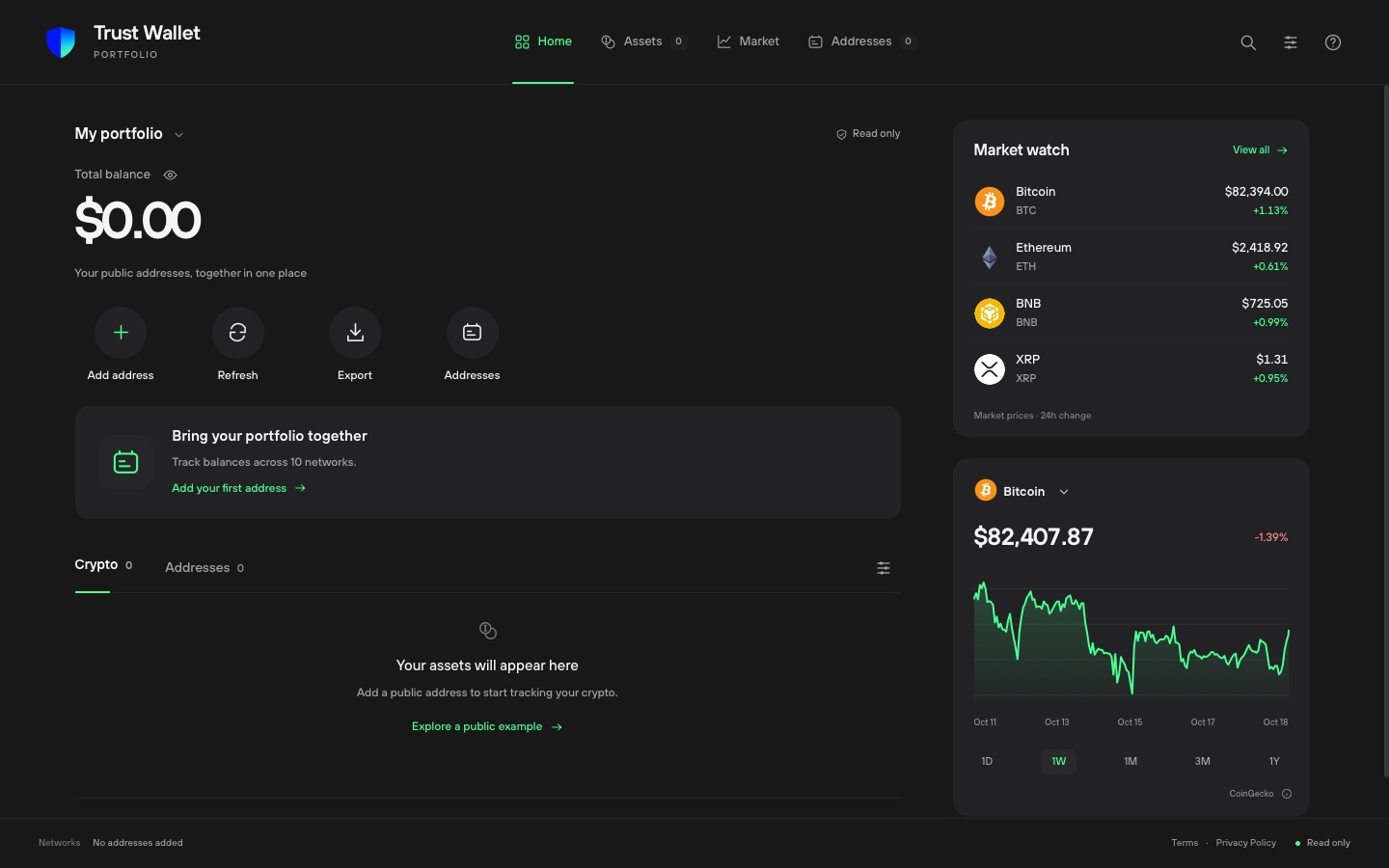
Combine public addresses, filter by network and find the token you’re looking for.
Explore market history from one day to one year. Switch assets without leaving your overview.
Choose USD or EUR, hide balances on screen, or export your current snapshot to JSON.
From address to overview
No wallet connection.
No recovery phrase.
Just the public side of your crypto.
Choose the chain that holds the assets you want to track.
EthereumETHPaste the address and give it a label. Add the same EVM address separately for each network.
See supported assets, follow prices and refresh when you need an updated view.
Stay in control
The portfolio reads public blockchain data. It can’t hold your funds, sign transactions or send crypto.
How your data is usedGood to know
No. You add public blockchain addresses. The app never asks for a recovery phrase or private key, and it does not request permission to sign transactions.
Coverage depends on the network and data provider. You can add supported ERC-20 contracts manually. Assets without a price can be shown, but they do not contribute to the total value. Coverage notices appear in the portfolio.
Addresses and display preferences are saved on your device. There is no account or automatic cloud sync. Public addresses are sent to data providers to retrieve their balances.
The portfolio shows a notice or the last saved result with its update time. A failed refresh does not replace an existing balance with zero.